LogBeam Uplink
Windows system-tray app that sends your QSOs from N1MM+, WSJT-X, JTDX and Log4OM to your LogBeam logbook in real time — they appear on the 3D globe the moment you log them — and, if you turn it on, to ClubLog too.
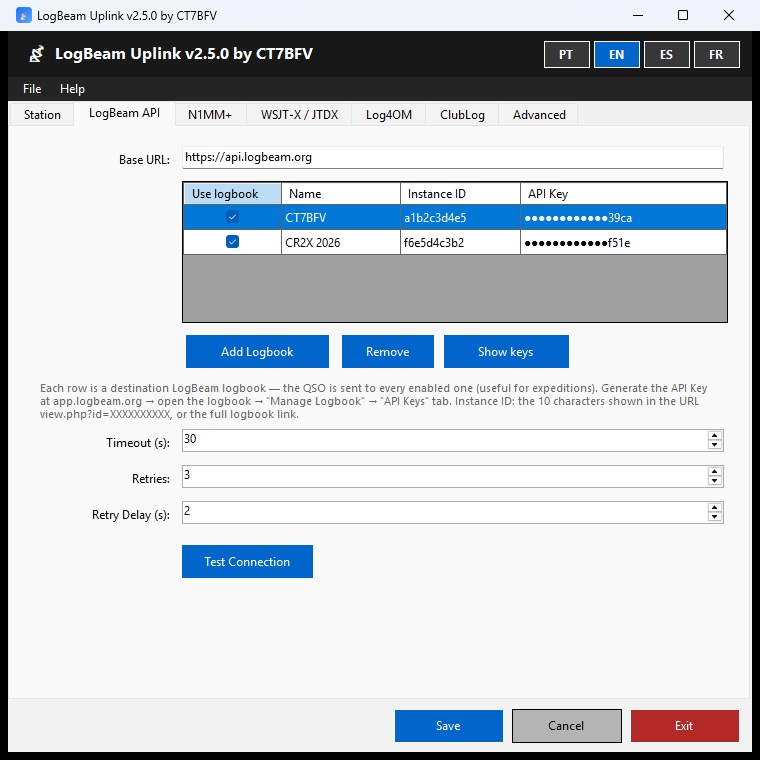
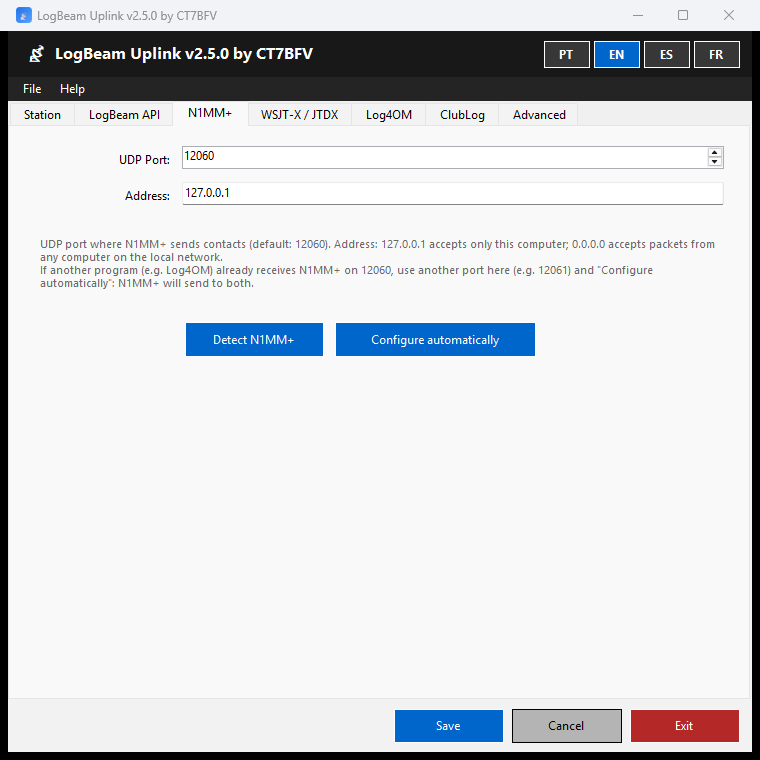
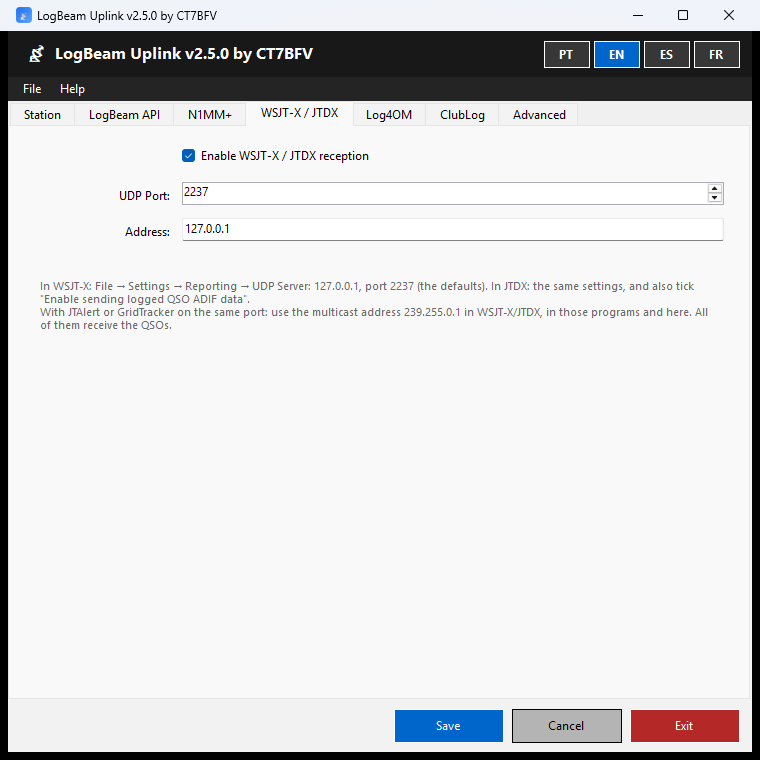
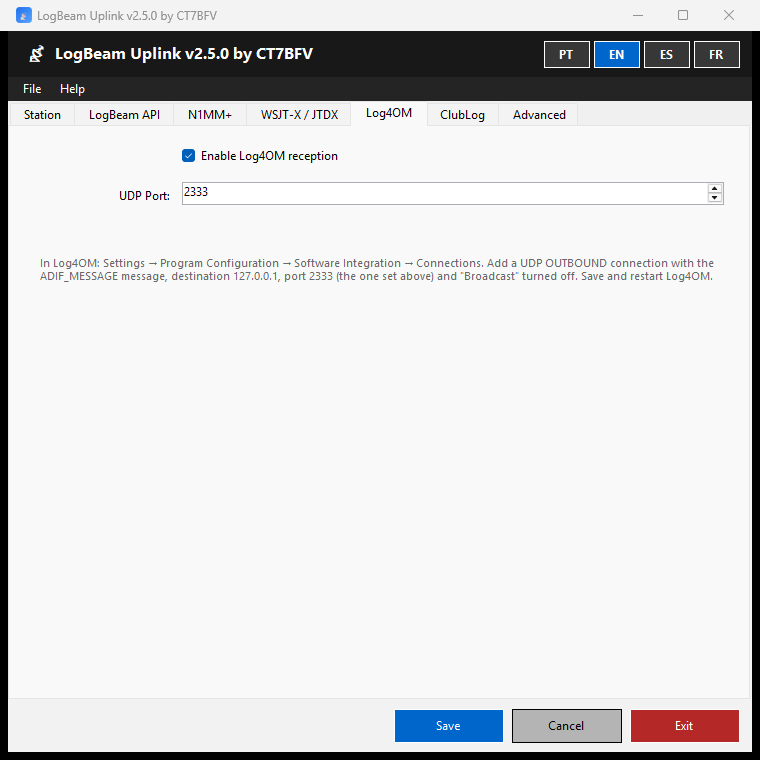
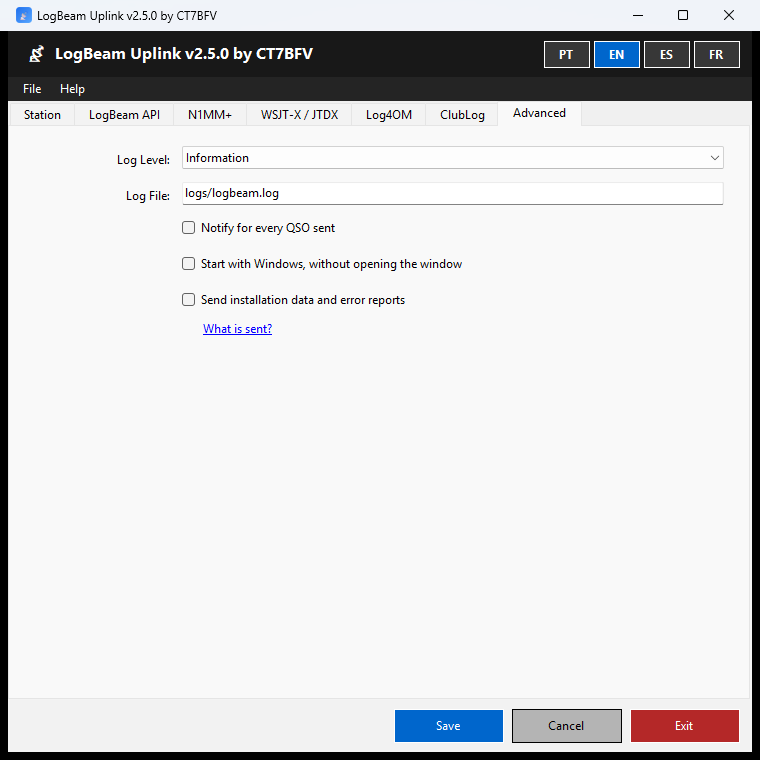
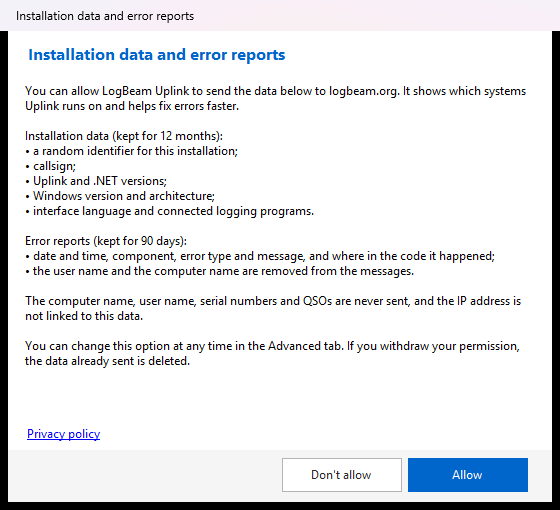
Windows system-tray app that sends your QSOs from N1MM+, WSJT-X, JTDX and Log4OM to your LogBeam logbook in real time — they appear on the 3D globe the moment you log them — and, if you turn it on, to ClubLog too.
LogBeam Uplink is the Windows application that connects your logging software to LogBeam. It receives each QSO the moment it is logged and sends it to your logbook, where it appears straight away on the 3D globe — with no ADIF export or import. If you turn it on, it also uploads to ClubLog in real time.
Official release, with the installer's SHA-256 fingerprint, at logbeam.org/uplink.